Create · courses from a PDF
Turn a PDF you wrote into an online course.
Upload a guide, manual, handbook or ebook. ubuilder reads it, plans the lessons, and builds a course website with one page per lesson, each taught from your own pages.
25 free credits when you sign up · no card needed
Lesson plan
Freeubuilder reads your document and proposes the lessons, in order, with the pages each one covers. Rename or remove lessons before you build.
Plan my course →Course home page
15 creditsWhat the course is, who it is for, what people will learn, and the full list of lessons.
Upload a PDF →Lesson pages
12 credits eachUp to 11 lessons. Each has the teaching, key takeaways, questions to check understanding, and links to the previous and next lesson.
Upload a PDF →Sell it or collect sign-ups
5% of paid salesChoose who can read the lessons: everyone, people who sign up with their email, or people who pay.
Upload a PDF →Website from a PDF
from 15 creditsPrefer a normal website? The same upload can become a business website written from your document.
Upload a PDF →
See an example
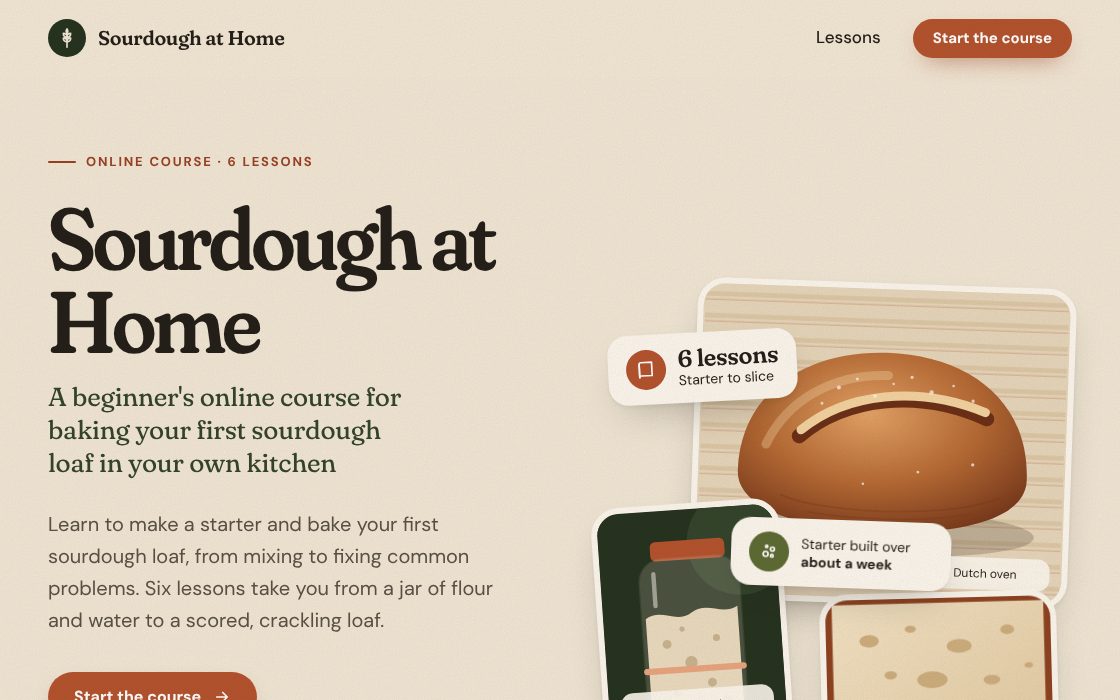
Taught from your pages
Each lesson is written from the matching pages of your document. It is instructed not to add outside facts, names or statistics.
See the plan and price first
Reading the document and planning the lessons is free. Credits are spent only when you press Build.
Open, sign-up or paid
Keep the course open, collect learners' names and emails before they read, or sell it for one payment through your own Stripe account.
Questions
- What can I upload?
- A PDF or a .txt file up to 30 MB, about 300 pages. Scanned PDFs (pictures of pages) can be read up to 100 pages.
- Can I charge for my course?
- Yes. In the course's Settings choose Paid and set a price. Learners pay once through your own Stripe account, and ubuilder keeps 5% of each sale. Buyers get an email link that opens the course on any device.
- Can I ask people to sign up instead?
- Yes. Free with sign-up asks for a name and email before the lessons open, and you can download the list of learners. You can keep the first lesson open as a preview.
- Does it track progress or give certificates?
- No. Each lesson ends with questions and answers the learner can check, but there is no progress tracking, and no certificates or passwords.
- What happens to my file?
- The file is deleted once it has been read. Its text is kept with your course so the lessons can be written from it. Only upload material you wrote or have the right to use.
- How long does it take?
- Four to seven minutes per page, so a six-lesson course takes about 40 minutes. Keep the tab open while it builds.