User guide · Chapter 7 of 13
Blog posts, ebooks and newsletters
Content written in your site's voice from your business profile, ready to publish or send.
- 1
Open Content Studio
Content Studio (in the left menu) lists everything you can write. Pick a tool, then the website it is for. Each tool shows its price before anything is made.
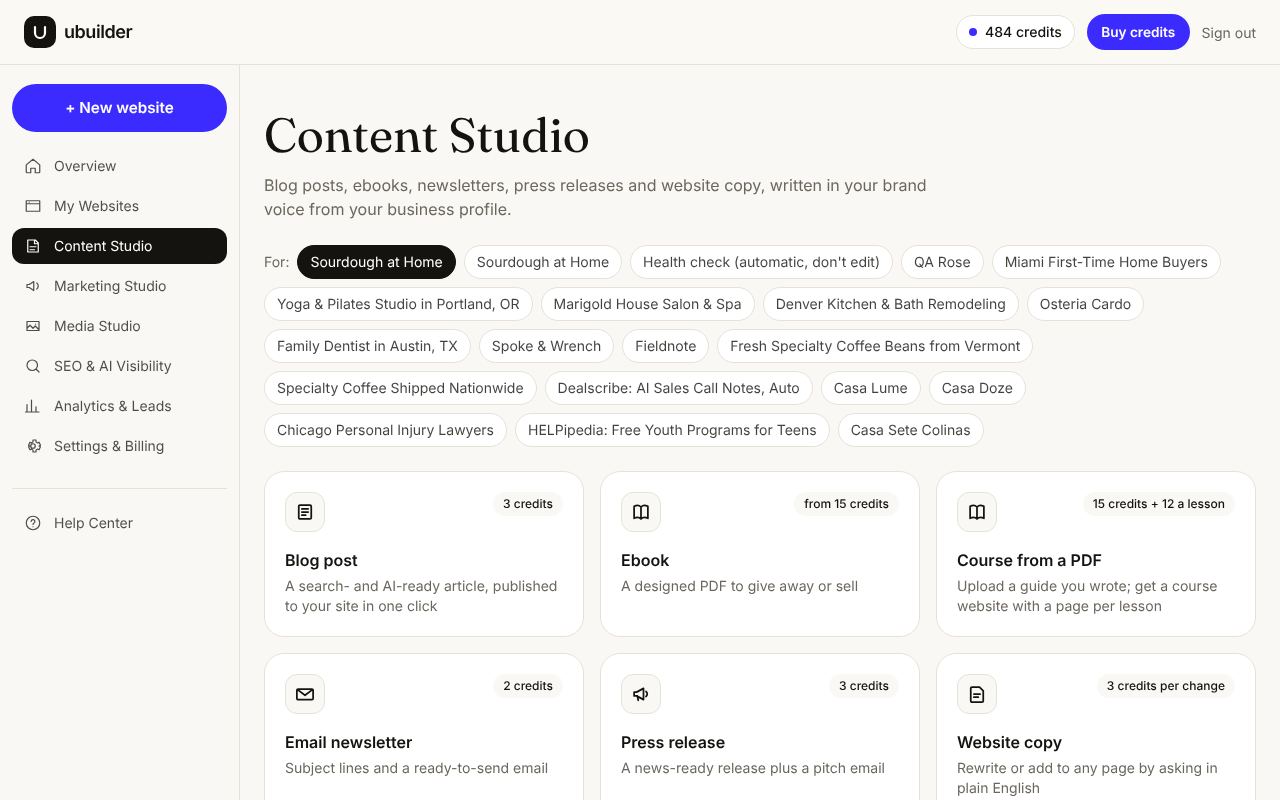
Content Studio with its list of content tools and prices. Click the picture to see it full size. - 2
Blog posts
A blog post costs 3 credits. Give a topic or let ubuilder suggest one. Review and edit the article, then publish it to your site in one click. Fresh, useful articles help search engines and AI assistants understand what you do.
- 3
Ebooks
Ebooks start at 15 credits. You get a designed PDF you can give away to collect email addresses, or sell: connect your Stripe account on the Ebooks page and payments go to you.
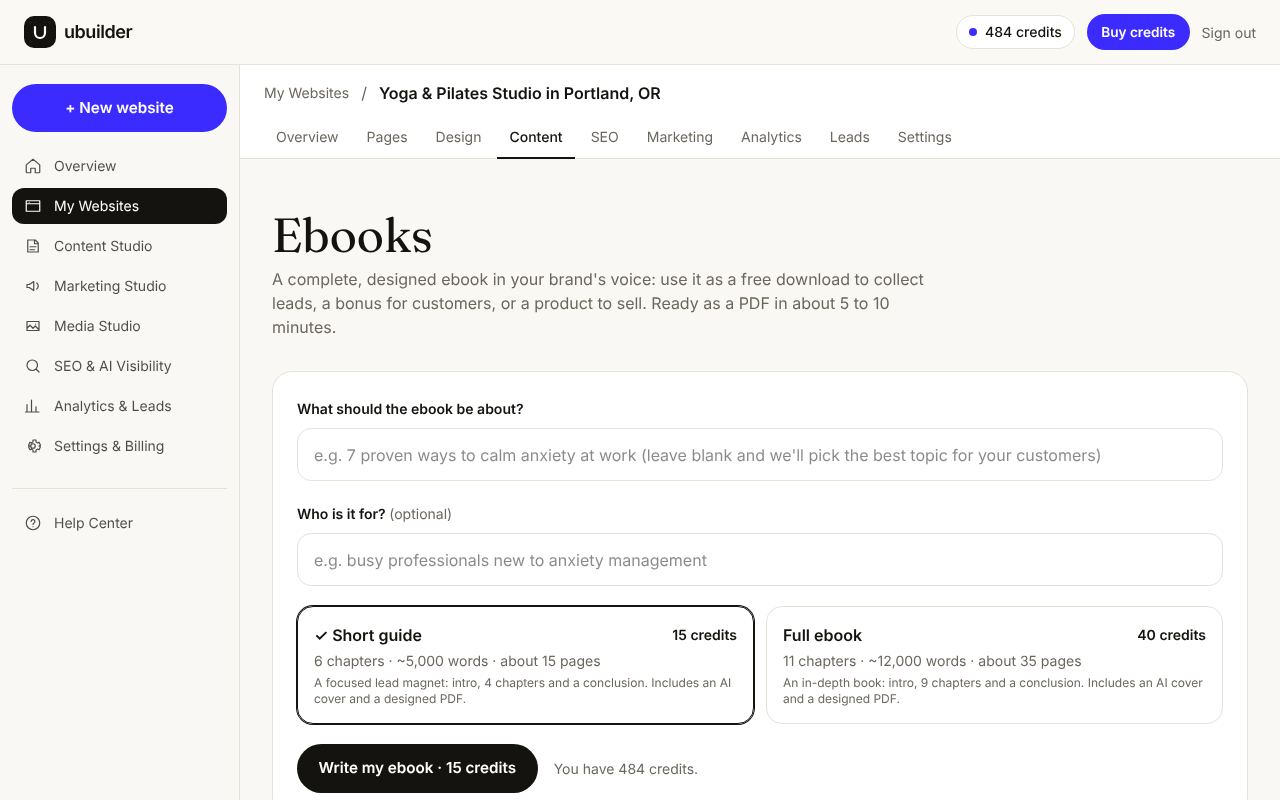
The Ebooks page for one website. Click the picture to see it full size. - 4
Newsletters and press releases
A newsletter (2 credits) gives you subject lines and a ready-to-send email to paste into your email tool. A press release (3 credits) comes with a short pitch email.
- 5
Everything for one site in one place
The Content tab of a website shows the same tools for just that site, along with what you have already made.
Good to know: Content never invents testimonials, statistics or credentials. Check facts and dates yourself before you publish; you are the one who knows your business.
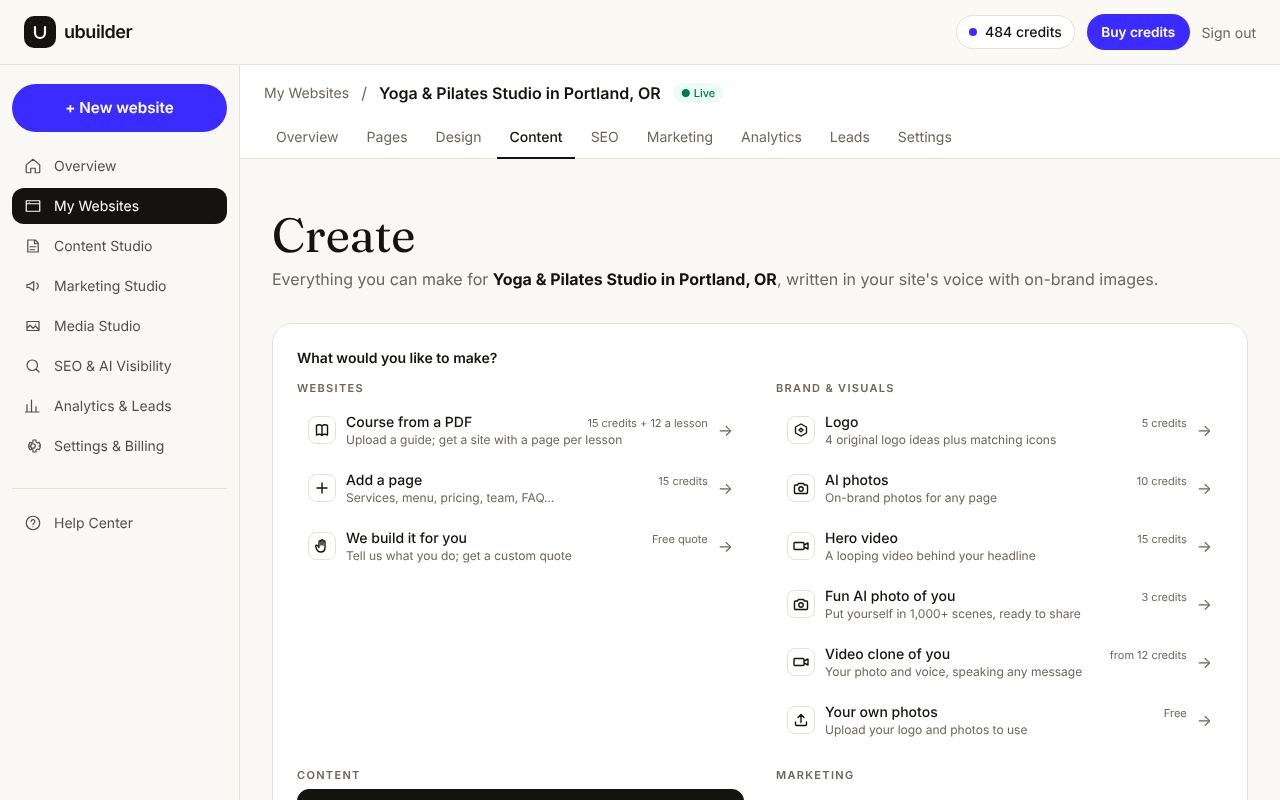
The Create page for one website, listing everything that can be made for it. Click the picture to see it full size.
Stuck? Email hello@ubuilder.ai or use the Ask a question button at the bottom right.