User guide · Chapter 9 of 13
Photos, logos and video
On-brand photos, a logo, a hero video, fun photos of yourself and a talking video clone.
- 1
Open Media Studio
Media Studio (in the left menu) lists every picture and video tool with its price.
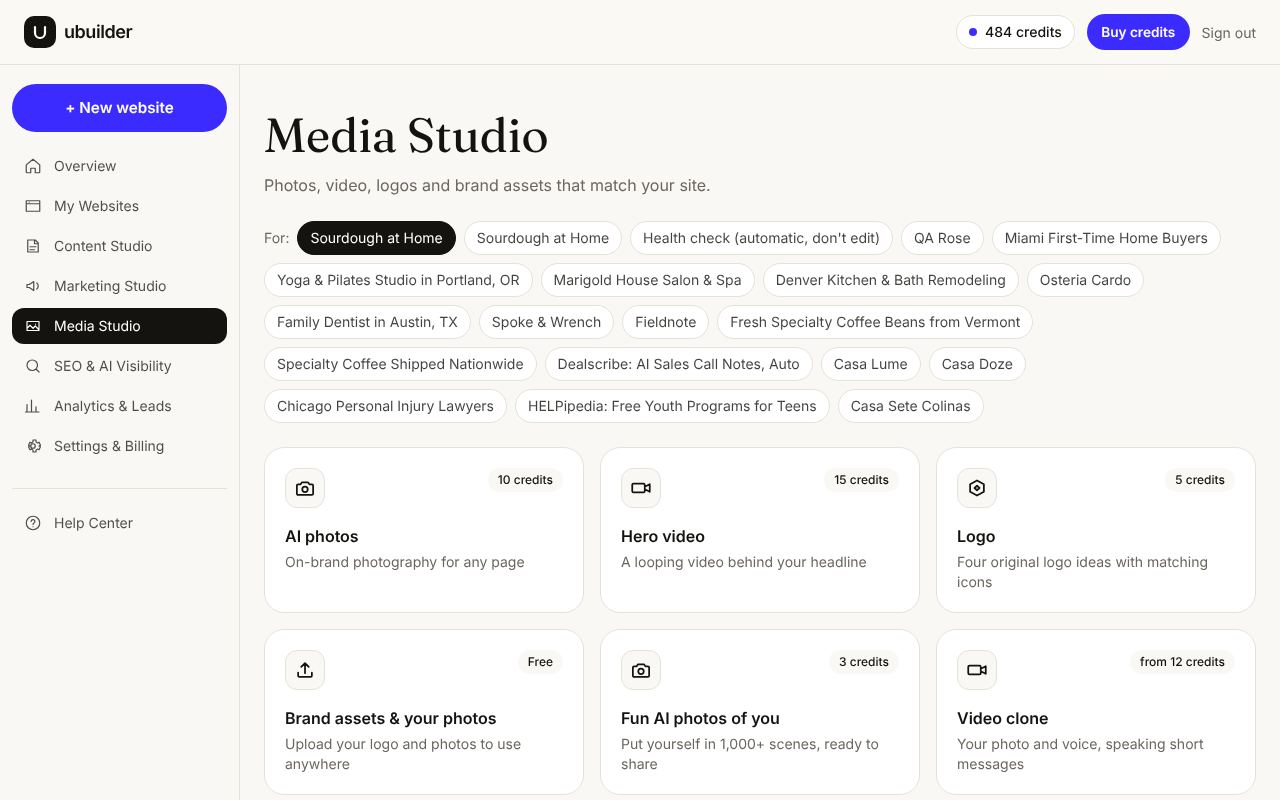
Media Studio with its list of photo, logo and video tools. Click the picture to see it full size. - 2
AI photos and a hero video
In the editor, AI photos (10 credits) replaces the placeholder pictures on the page you are on with photos made for your business. Hero video (15 credits) adds a looping video behind the headline on your home page.
- 3
A logo
The logo maker (5 credits) gives you four original logo ideas with matching icons. Pick one and it is placed in your site's header and browser tab.
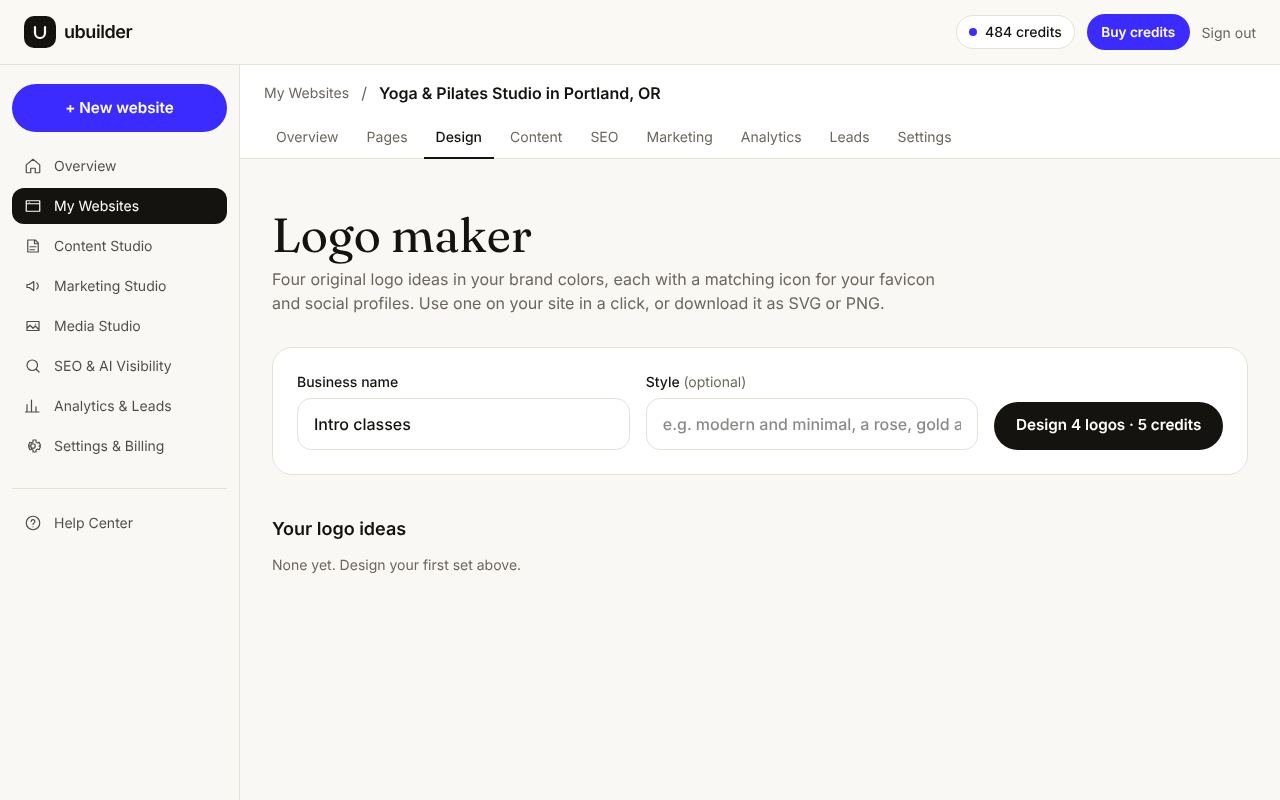
The logo maker for one website. Click the picture to see it full size. - 4
Fun AI photos of you
Upload a photo of yourself and choose from more than 1,000 scenes (3 credits each). If someone else is in the picture, say who in the "Anyone else in the photo?" box so they are kept in. Every photo you make is saved under My fun photos to download or share, and carries a small "made with ubuilder.ai" mark.
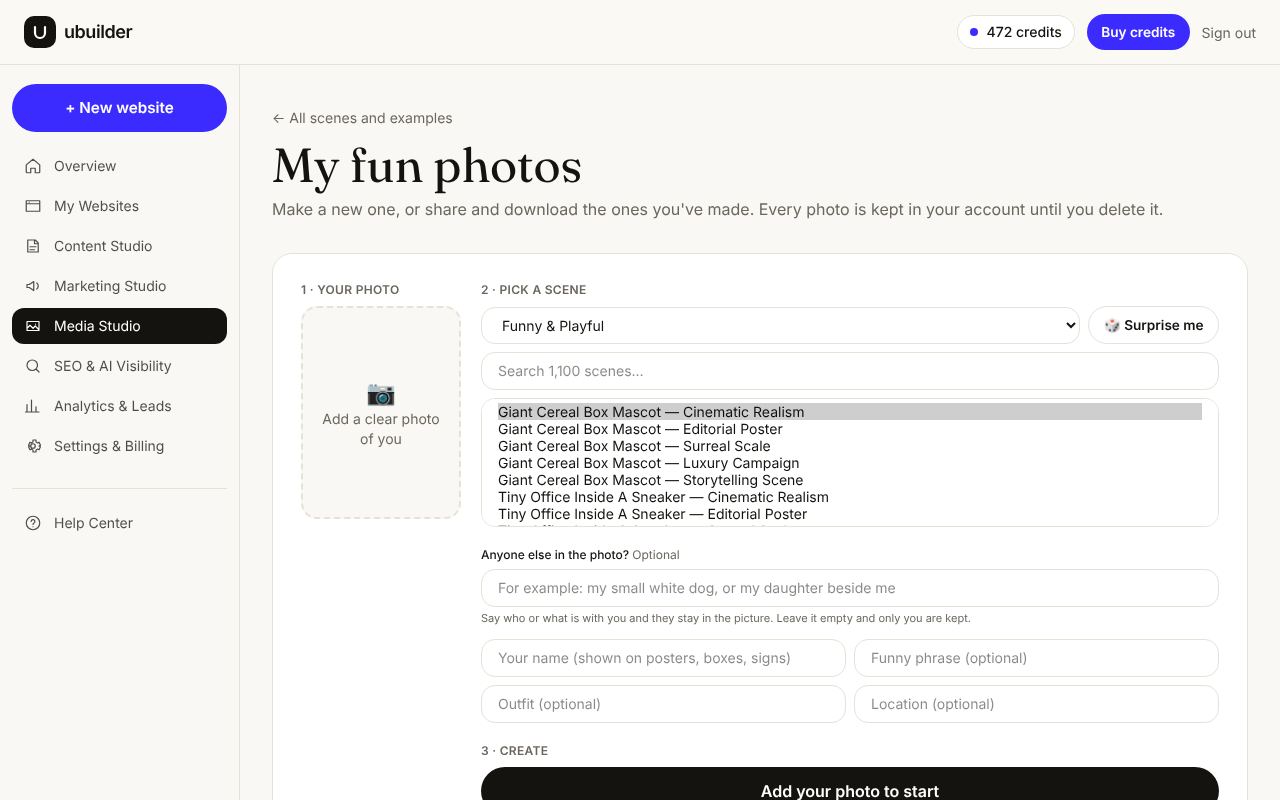
My fun photos: make a new one, or download and share the ones you have made. Click the picture to see it full size. - 5
A video clone of you
Upload a photo and record your voice, and your clone can speak short messages (up to 15 seconds each) for your site and social posts, from 12 credits. You confirm that the face and voice are your own before anything is made.
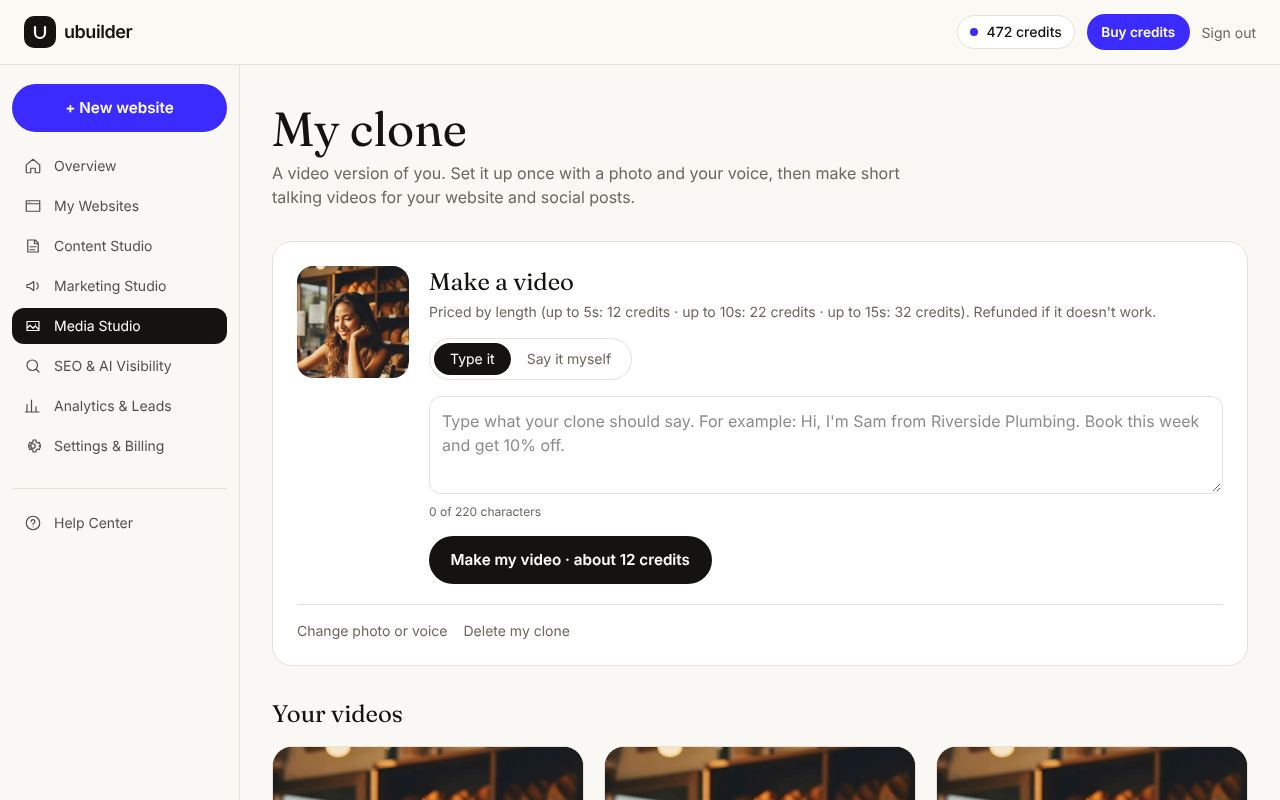
The video clone page. Click the picture to see it full size.
Stuck? Email hello@ubuilder.ai or use the Ask a question button at the bottom right.