User guide · Chapter 5 of 13
Rebuild a website you already have
Paste your address and get your existing pages redone with your real content, logo and photos.
- 1
Paste your website address
Go to ubuilder.ai/rebuild (or the Rebuild tab on the home page) and paste your address. ubuilder reads your pages, up to 12 of them.
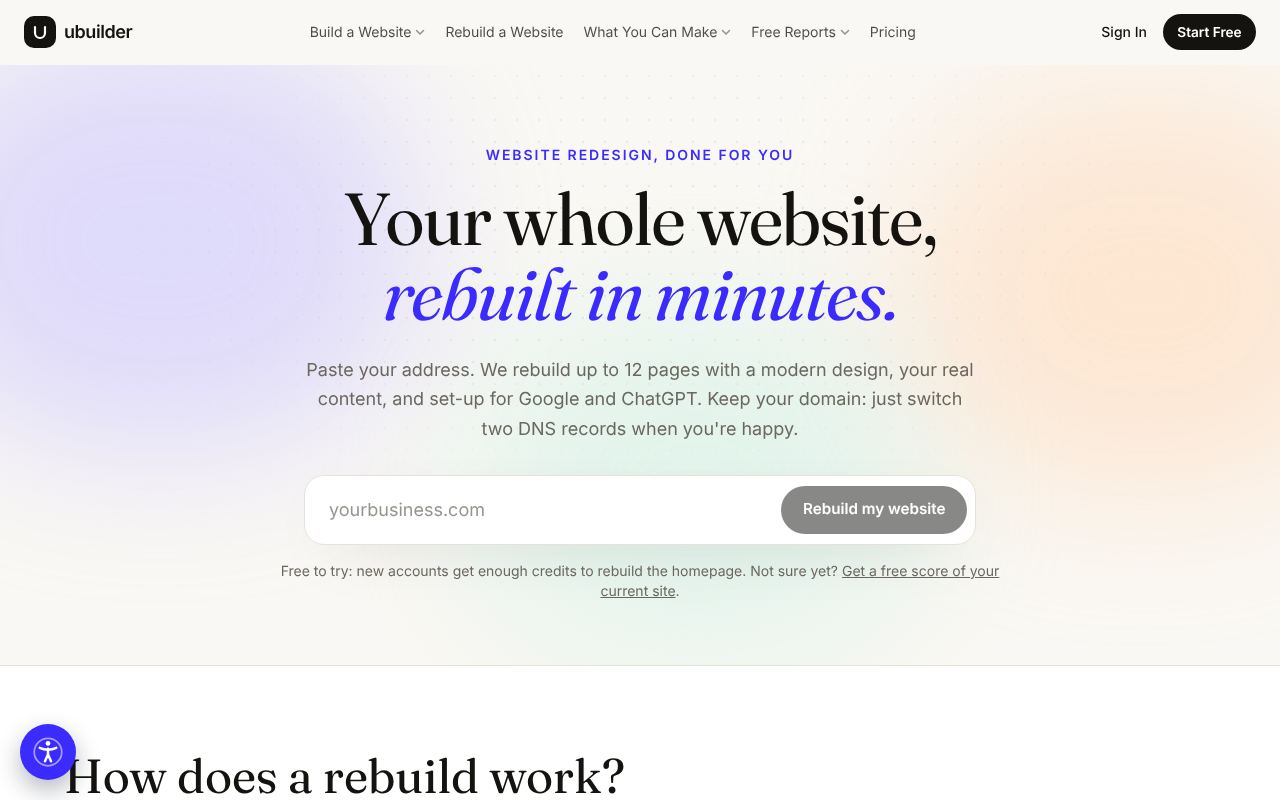
The rebuild page with a box for your website address. Click the picture to see it full size. - 2
Choose how much to rebuild
You see what a rebuild includes and what it costs before anything starts: the home page alone is 15 credits, the home page plus four more is 63 credits, and each extra page is 12 credits.
- 3
Sites built with app builders work too
Some websites, including many made with AI app builders, are drawn by JavaScript, so an ordinary reader sees an almost empty page. When that happens ubuilder opens your site in a real browser instead, the way a visitor does, and reads the pages and pictures from there. You don't have to do anything; it just takes a minute or two longer.
- 4
Your content comes with you
The new pages keep your real facts: business name, services, prices, addresses, phone numbers, opening hours and team. Your logo, photos, colours and fonts are brought over too. The writing and design are improved; facts are not invented.
- 5
Your old site stays up
Nothing happens to your current website until you point your domain at the new one. When you do, your old page addresses are forwarded to the matching new pages so existing links keep working.
Good to know: Nobody can promise search rankings will be unchanged after a rebuild. Keeping your content, forwarding old addresses and the built-in sitemap are there to protect them.
Stuck? Email hello@ubuilder.ai or use the Ask a question button at the bottom right.