User guide · Chapter 8 of 13
Ads and social media
Ad copy and images in every size, and social posts written and scheduled for you.
- 1
Open Marketing Studio
Marketing Studio (in the left menu) has the ad and social tools. Pick one, then the website it is for.
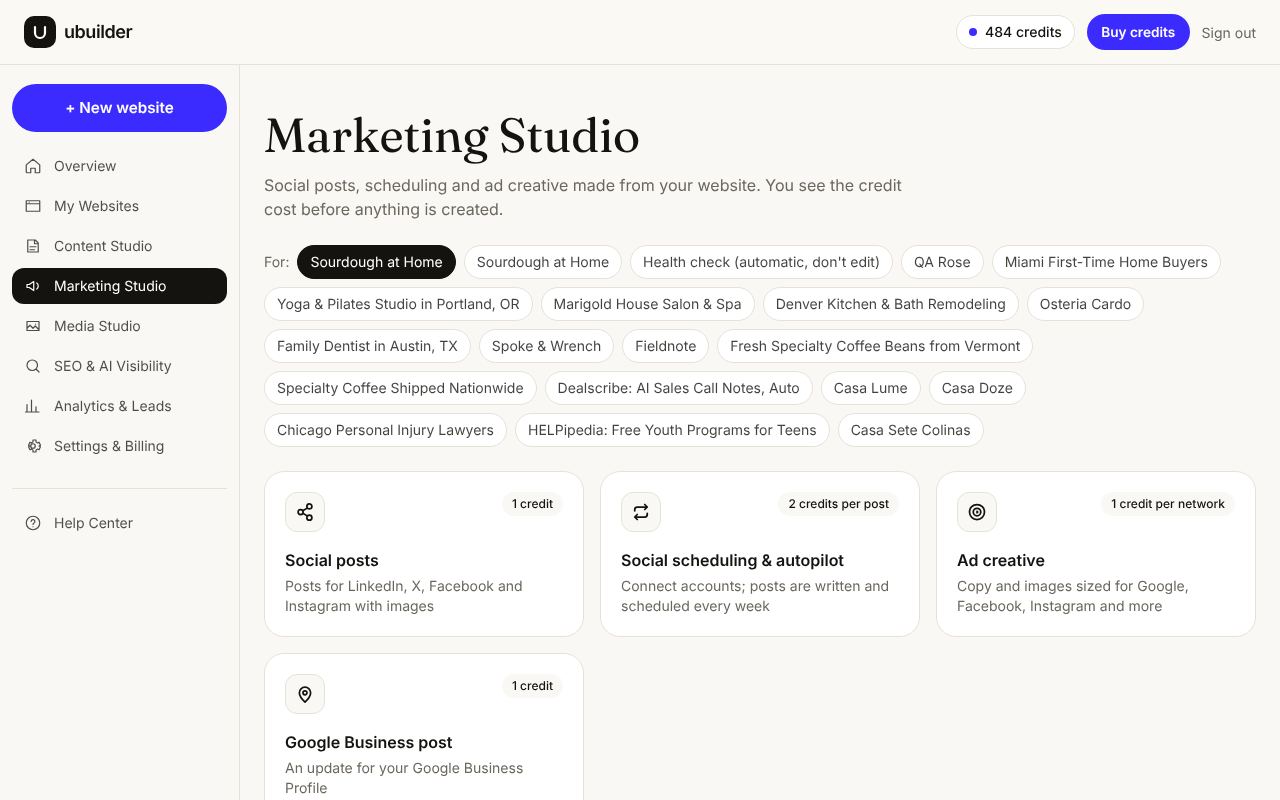
Marketing Studio with its list of ad and social tools. Click the picture to see it full size. - 2
Make ads
Ad Studio writes headlines and copy and makes images in the sizes each network needs: Google, Facebook, Instagram, Pinterest and more, at 1 credit per network. You download them and upload them to the ad platform yourself; ubuilder does not run campaigns or spend your ad budget.
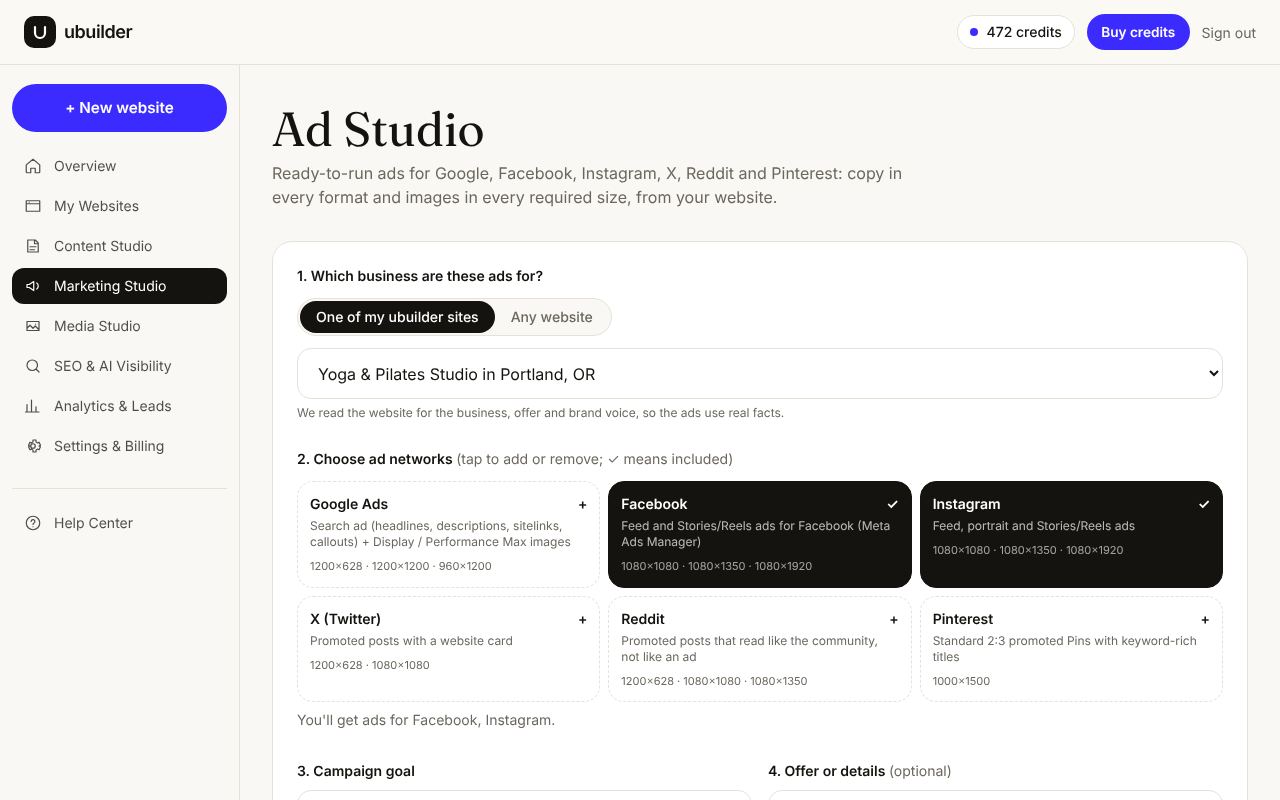
Ad Studio, where you choose networks and get ad copy and images. Click the picture to see it full size. - 3
Connect your social accounts
On a website's Marketing tab, connect Instagram, Facebook, LinkedIn, Pinterest, Google Business or X. You sign in on each network's own page; ubuilder never sees your passwords. Plans include a number of connected accounts: Creator 2, Business 5, Agency 15.
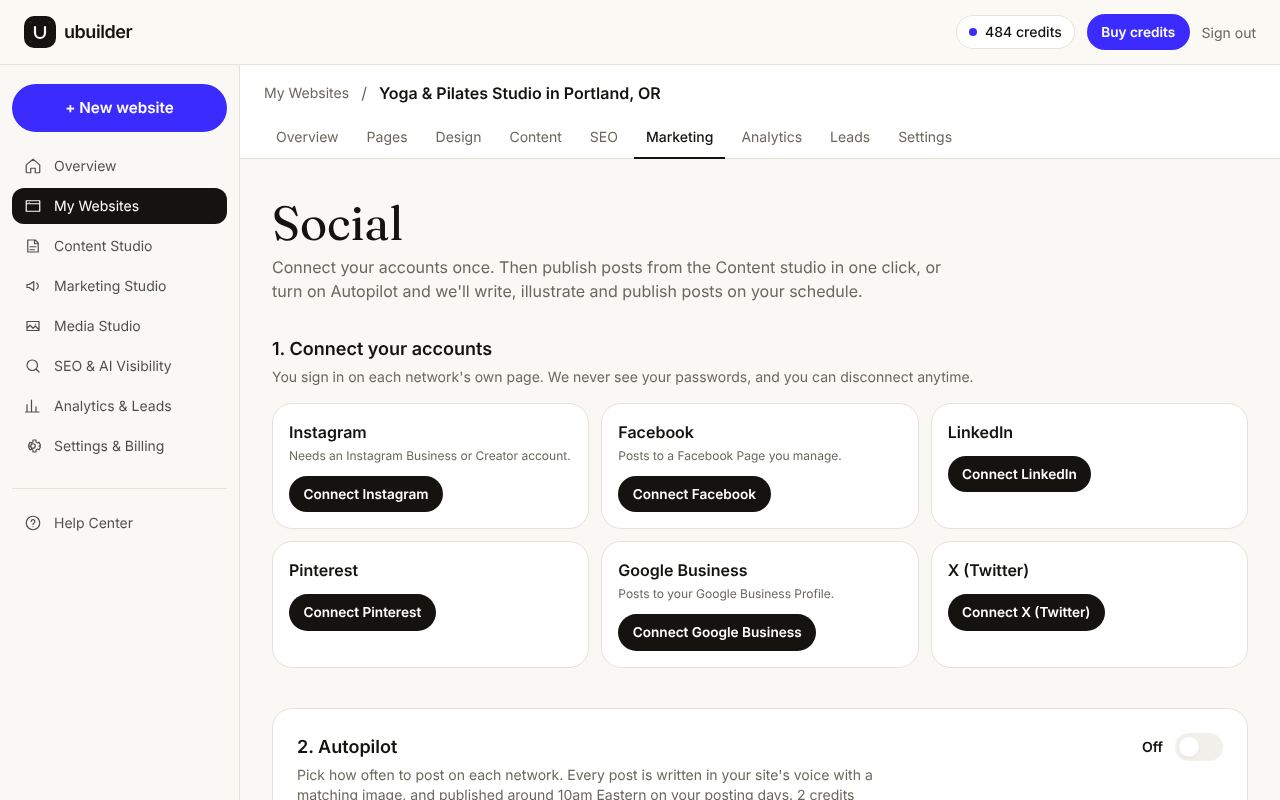
The Social page with a Connect button for each network and the Autopilot switch. Click the picture to see it full size. - 4
Post once, or turn on Autopilot
Write social posts (1 credit) and publish them to your connected accounts in one click. Or switch on Autopilot: choose how often to post on each network and ubuilder writes, illustrates and publishes on schedule at 2 credits per post. You can pause it at any time.
Stuck? Email hello@ubuilder.ai or use the Ask a question button at the bottom right.