User guide · Chapter 10 of 13
Get found: SEO, AI visibility and free reports
What is built in, how to read your scores, and free reports you can run on any website.
- 1
What every site has built in
Every ubuilder site is made to be read by search engines and AI assistants: clear headings, descriptions, structured data, a sitemap, robots.txt and an llms.txt file, all created and kept up to date when you publish.
- 2
Your site's SEO tab
The SEO tab of a website shows an on-page score and, page by page, anything worth fixing. "Fix with AI" opens the editor with the request already written; nothing changes until you send it.
Good to know: The score reads your pages as they are. It is not a promise of rankings or traffic, and it does not show Google search data.
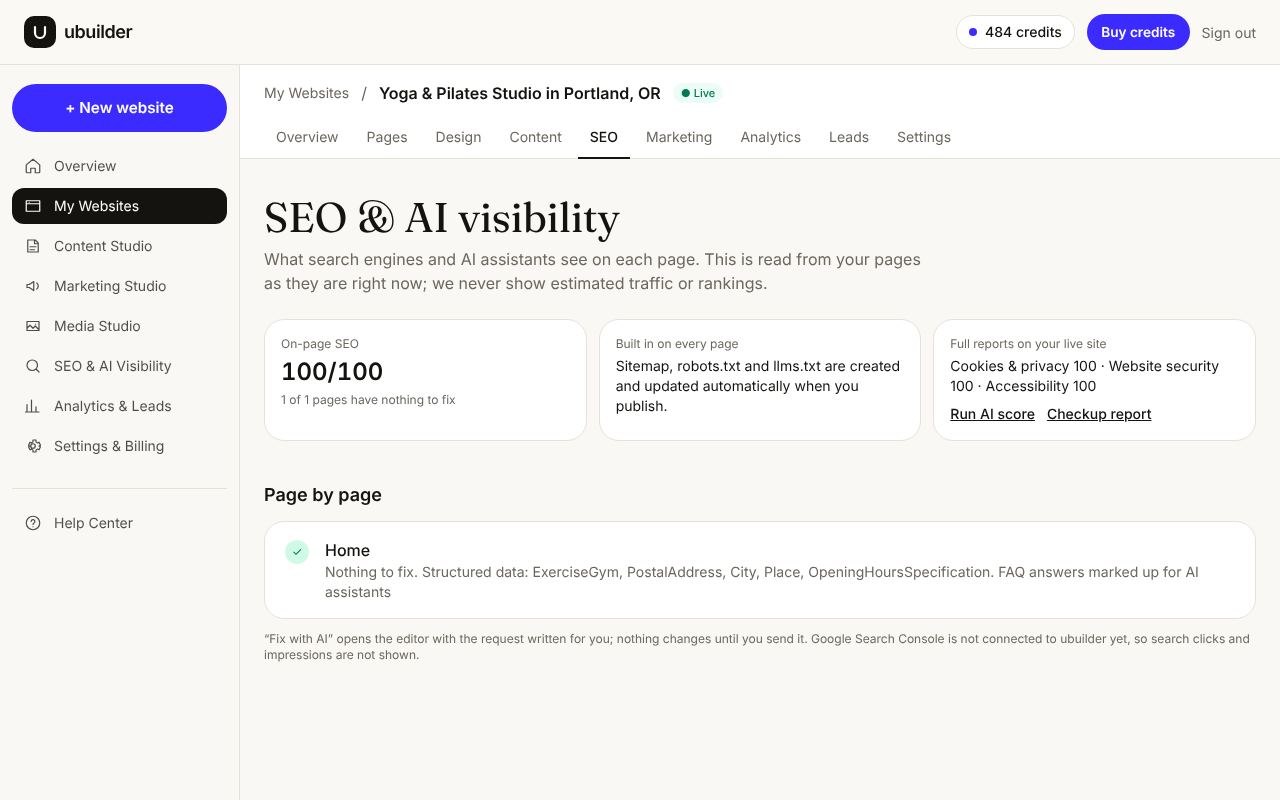
The SEO and AI visibility tab for one website. Click the picture to see it full size. - 3
AI visibility score (free, any website)
At ubuilder.ai/audit, type any website address to see how well Google and AI assistants such as ChatGPT can understand it, with a list of fixes in plain language. No sign-up needed.
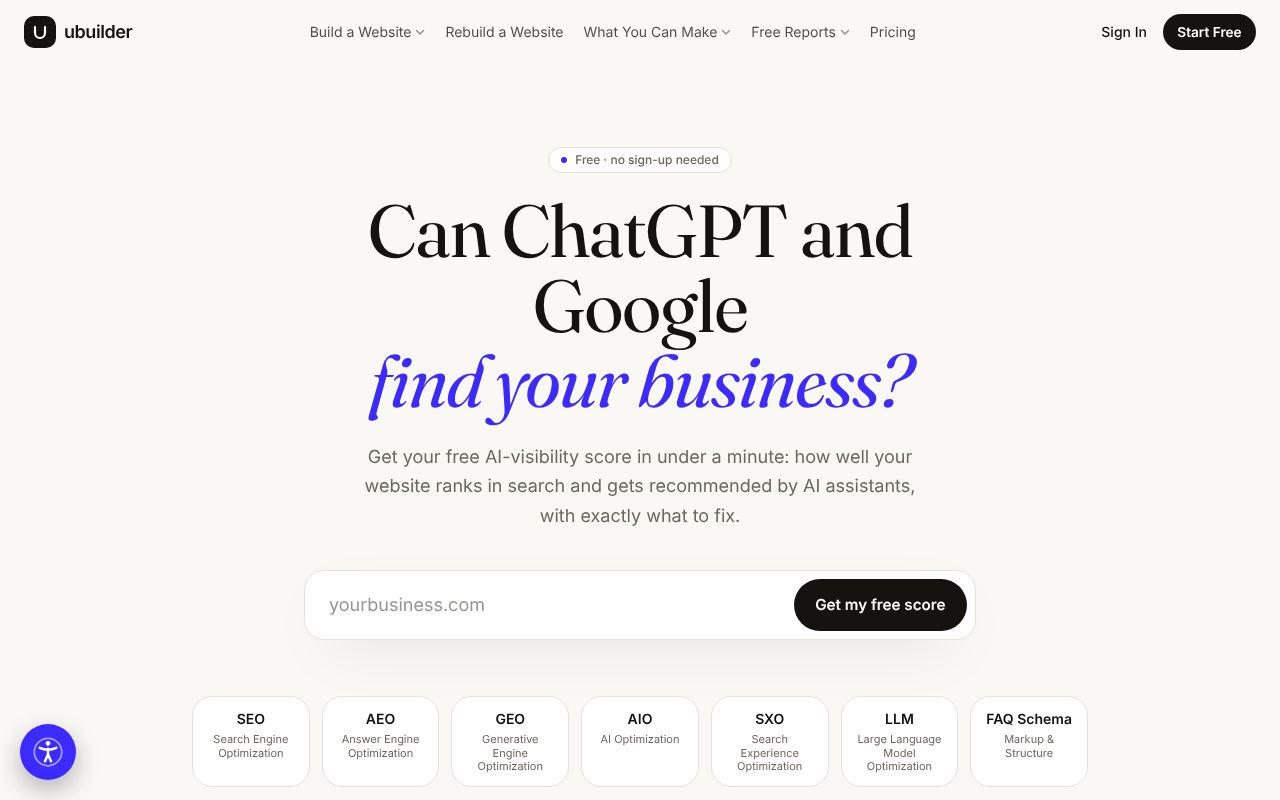
The free AI visibility score page. Click the picture to see it full size. - 4
Website checkup (free, any website)
At ubuilder.ai/check, tick the reports you want (cookies and privacy, security, accessibility; all three are ticked to start with) and type a website address. The privacy report opens the site in a real browser to see which cookies and trackers load before a visitor agrees. It checks as a visitor from your part of the world (Europe if you are there, otherwise the United States), and one click runs it again from the other. Every report has a share button.
Good to know: The reports are automated checks to help you find problems. They are not legal advice or a guarantee of compliance.
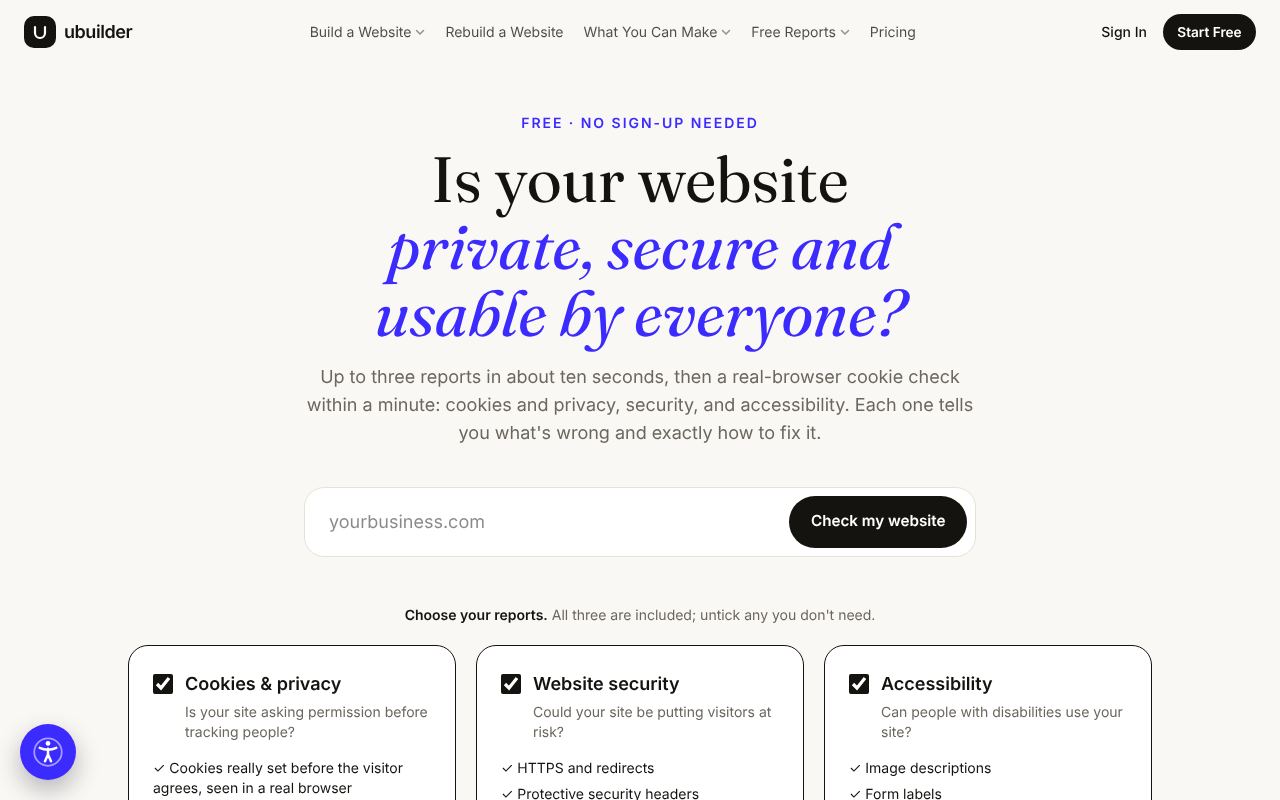
The free website checkup page. Click the picture to see it full size.
Stuck? Email hello@ubuilder.ai or use the Ask a question button at the bottom right.